
Checkout validation
Block orders that match your conditions and explain why with a custom checkout message.

CHECKOUT. PAYMENTS. SHIPPING OFFERS.
Manage how orders qualify, which payment methods appear, and when shipping offers apply. Kavach brings those decisions together in a visual rule builder.
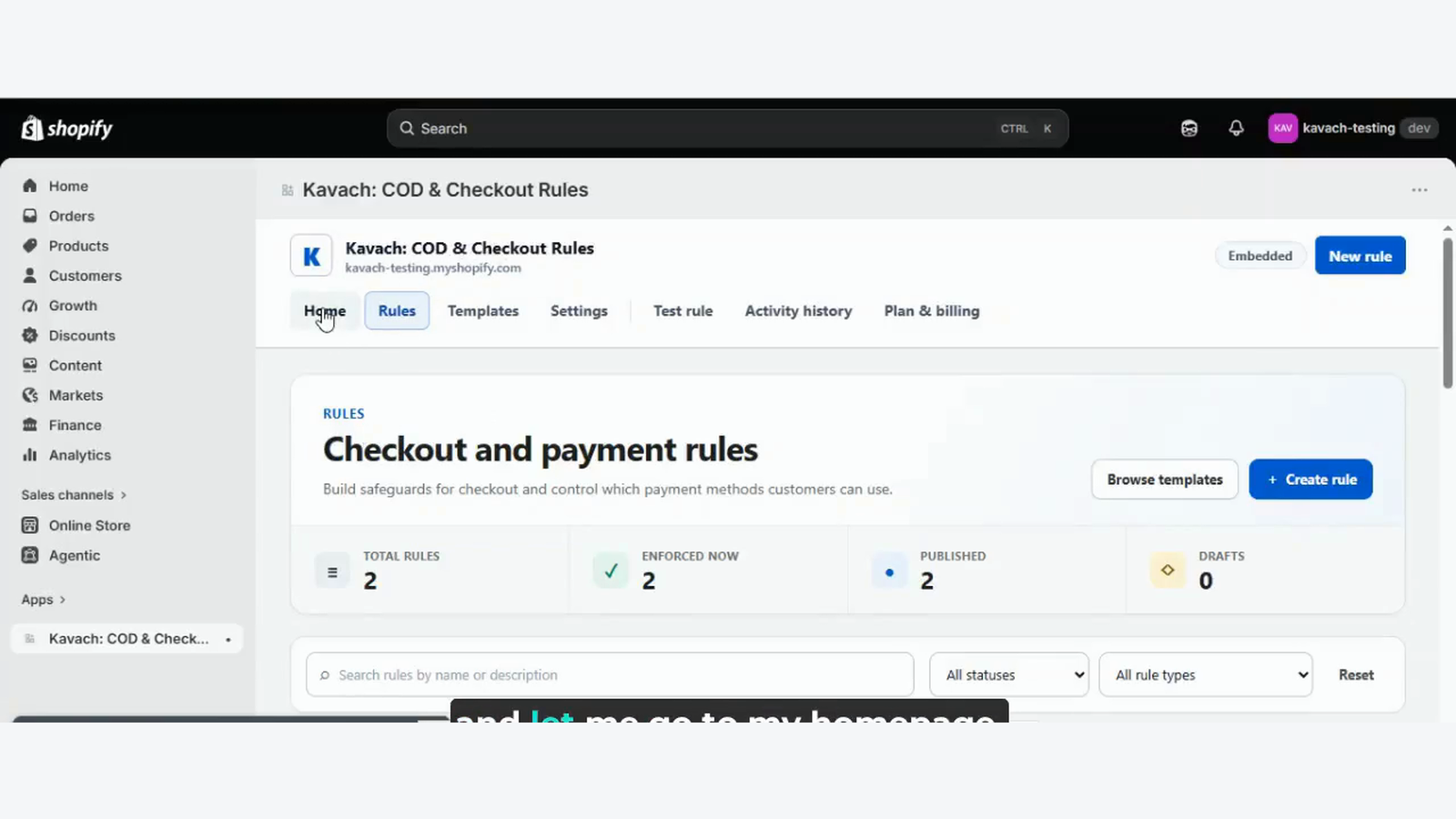
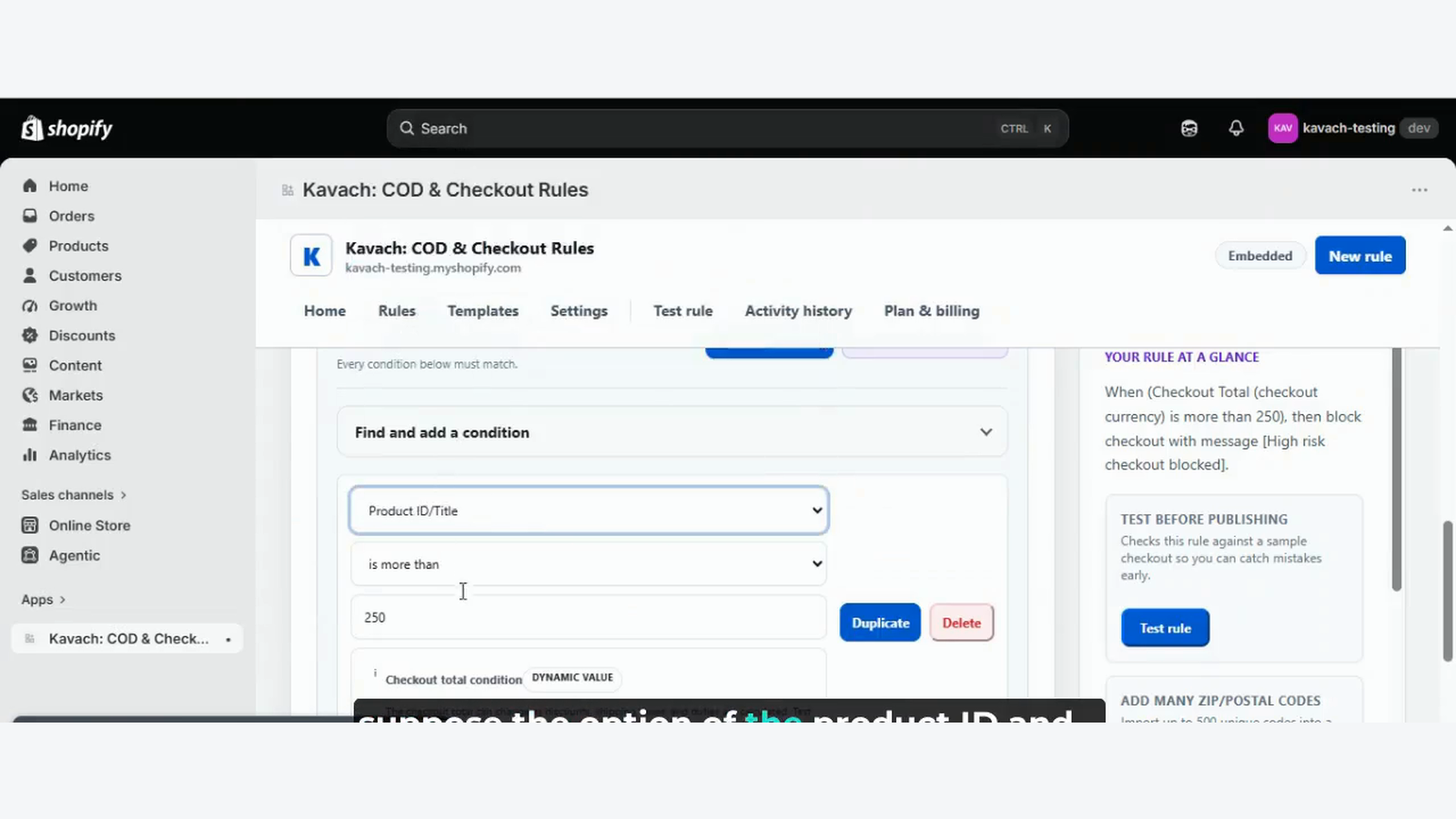
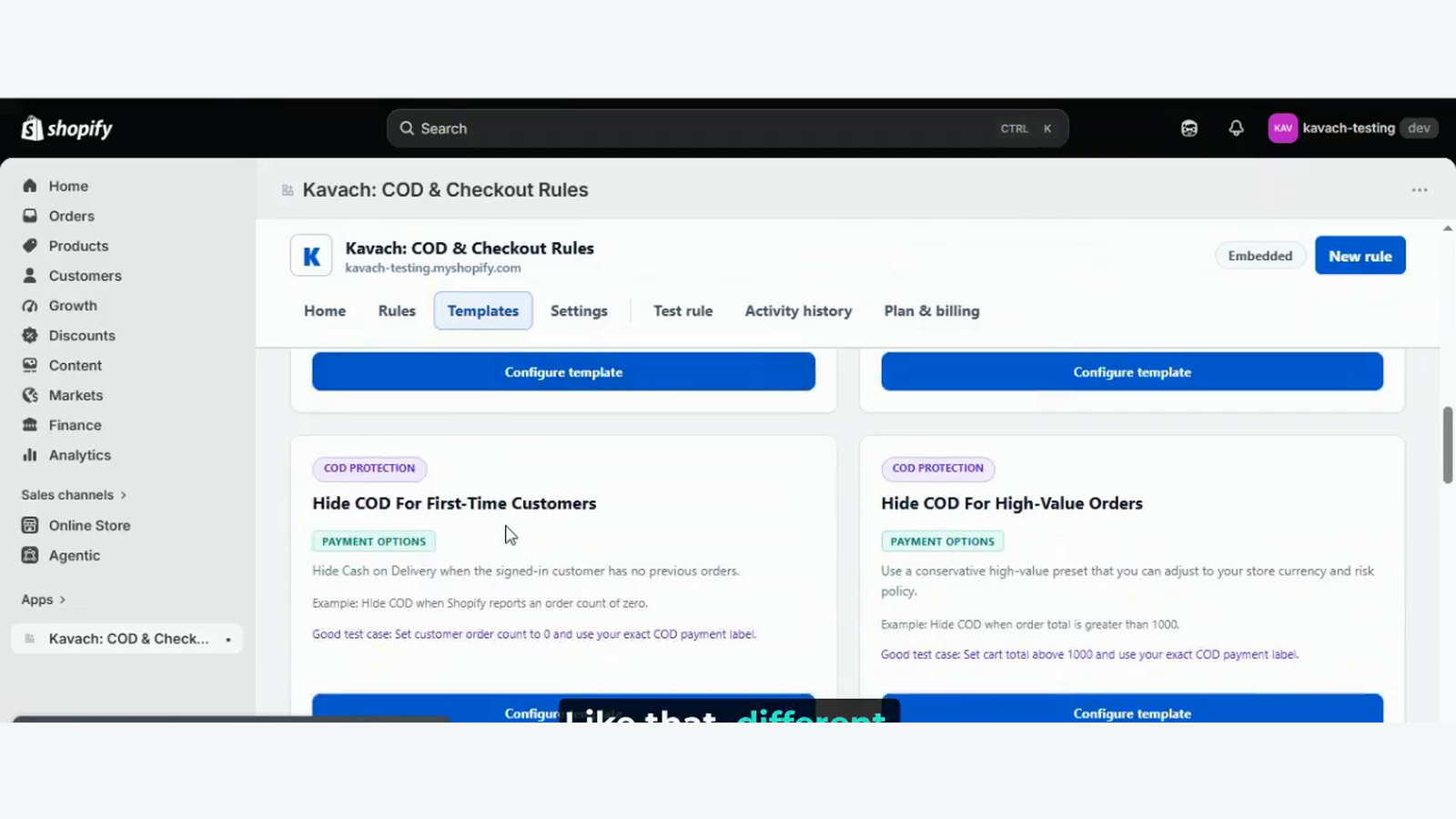
WHAT KAVACH DOES
Build a rule. Test the outcome. Publish it when you’re ready.
Block orders that match your conditions and explain why with a custom checkout message.
Hide, rename, or reorder eligible payment methods, including cash on delivery.
Offer free shipping, a percentage discount, a fixed amount off, or a lower fixed shipping price. Available on Starter, Growth, and Pro.
Combine supported cart, product, customer, and location conditions. Advanced groups and multiple selections depend on your plan.
Use the simulator to check your rules, then review their publishing and synchronization status.
Start from a template and review rule changes and sync events. Activity history is not checkout or revenue analytics.
SHIPPING OFFERS / STARTER, GROWTH & PRO
Choose a shipping incentive and the supported cart, product, customer, or location conditions that qualify for it. Apply the offer to all shipping options or selected options.
Find your Kavach planRemove the shipping charge when your conditions match.
Reduce eligible shipping charges by a chosen percentage.
Take a set amount off the shipping charge.
Lower shipping to a target price; this does not increase a cheaper rate.
Shipping offers require Starter, Growth, or Pro and successful synchronization with Shopify. Current offers do not combine with product, order, or other shipping discounts.
A FEW USEFUL DETAILS
Fixed COD fees and payment-step messages require Shopify Plus and an eligible paid Kavach plan. Other features have their own store, plan, and Shopify compatibility requirements; check your app’s readiness and billing screens before publishing.
Create and test a shipping rule, then publish and synchronize it with Shopify. Saving a draft alone does not apply a shipping discount. Shipping offers are available on Starter, Growth, and Pro.
No. Activity history records app-owned events such as rule changes and synchronization results. Simulator results are tests, not real customer checkout events.
Yes. The simulator lets you check matching and non-matching conditions before publishing. Review the result and confirm your Shopify synchronization status before relying on the rule at checkout.
See the Shopify listing and Kavach’s billing screen for current prices, limits, and eligibility. The feature set varies by plan.
Email support@shiviteq.co.in with your store URL and a description of the issue. Do not include access tokens or passwords.
The SHIVITEQ journal
Practical guides, product stories, and a closer look at what Kavach can do.
Explore free shipping, percentage discounts, fixed amounts off, and discounted fixed shipping prices in Kavach.
Get to know our Shopify app and the idea behind flexible cash-on-delivery rules for your store.
Turn a checkout problem into a clear rule with a practical plan for conditions, testing, and review.